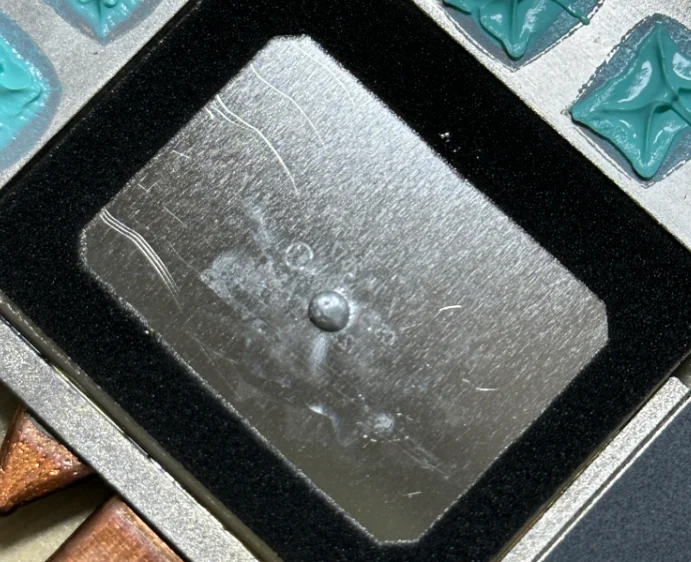
Energy saving: It takes about 40 minutes, and the temperature remains basically unchanged before and after replacement.
I bought a new computer and used it for about a week.
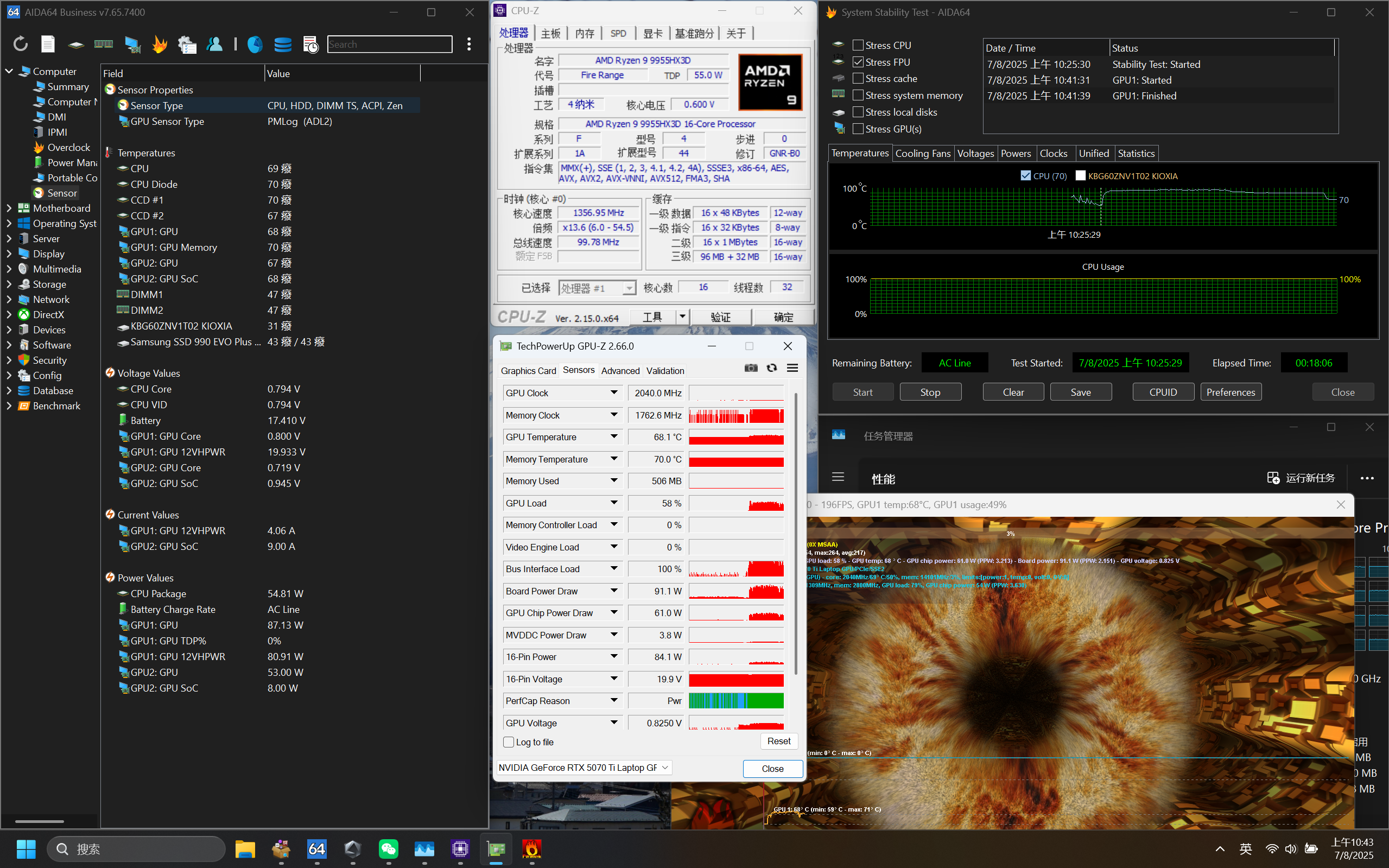
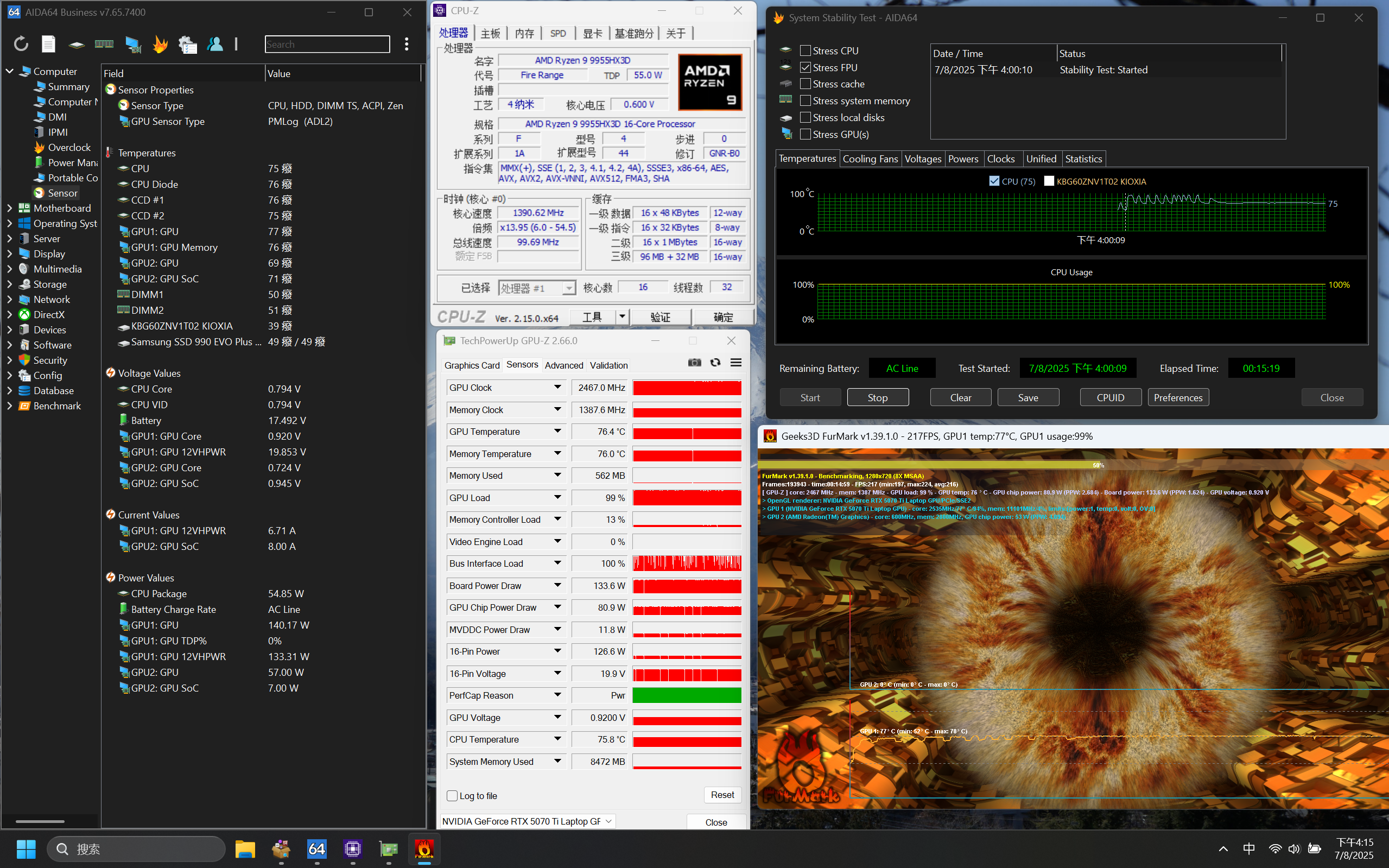
Before replacing the thermal paste, the CPU temperature consistently reached its power limit of 95°C at 125W. Under dual stress testing, the CPU released approximately 50W of power, reaching around 75°C, while the GPU, under X0 FurMark, consumed approximately 100W and reached around 68-70°C.
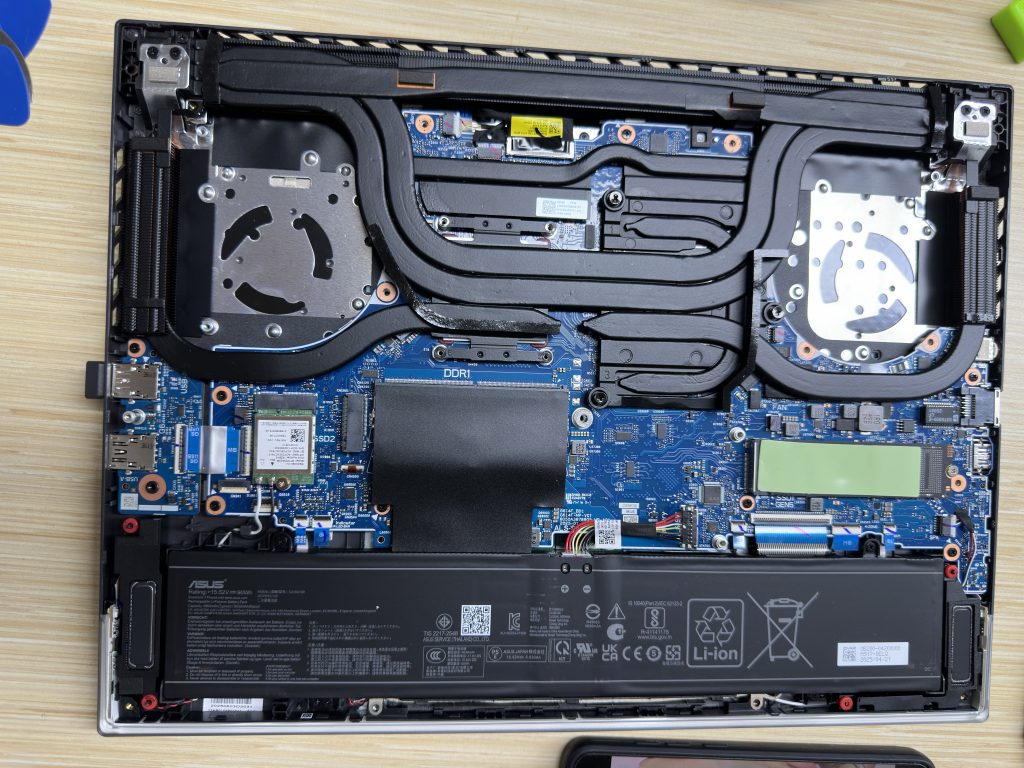
Begin replacing the Honeywell 7958SP. After removing all the screws, slightly twist the handles on both sides at the top; with a little force, the heatsink module can be removed. Be extra careful of any liquid metal residue remaining on the heatsink module.
After disassembly, a significant amount of liquid metal was clearly observed to have leaked out, but this was likely due to movement during disassembly.
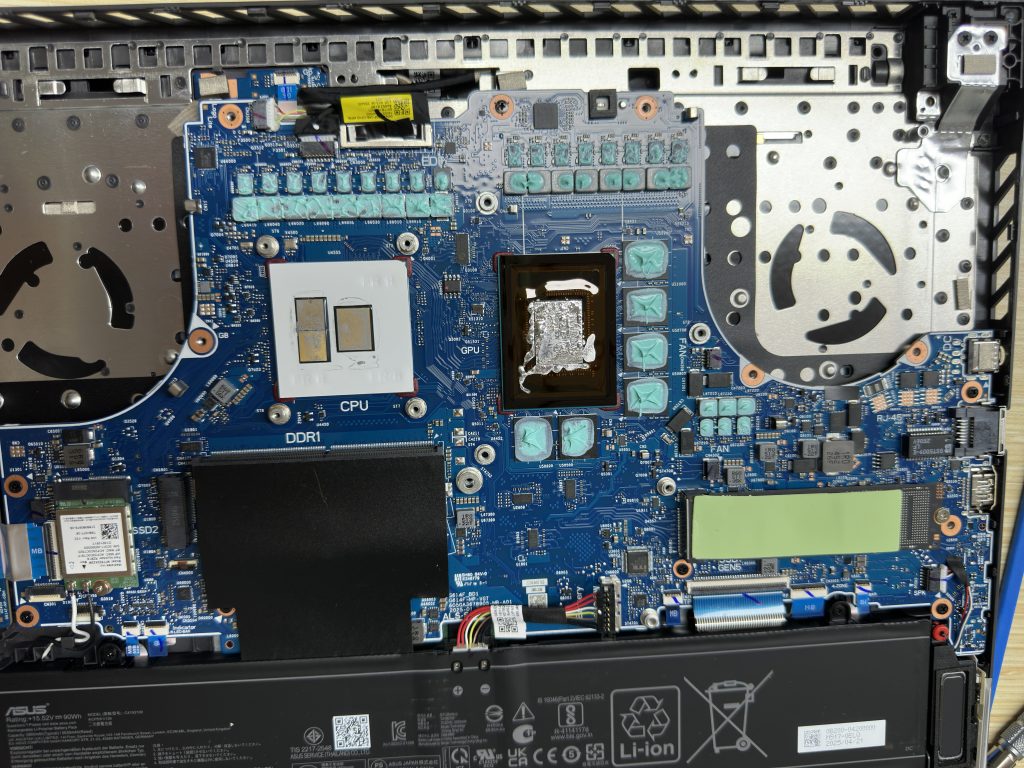
The heat dissipation module has foam pads to prevent liquid metal from overflowing, providing decent protection.
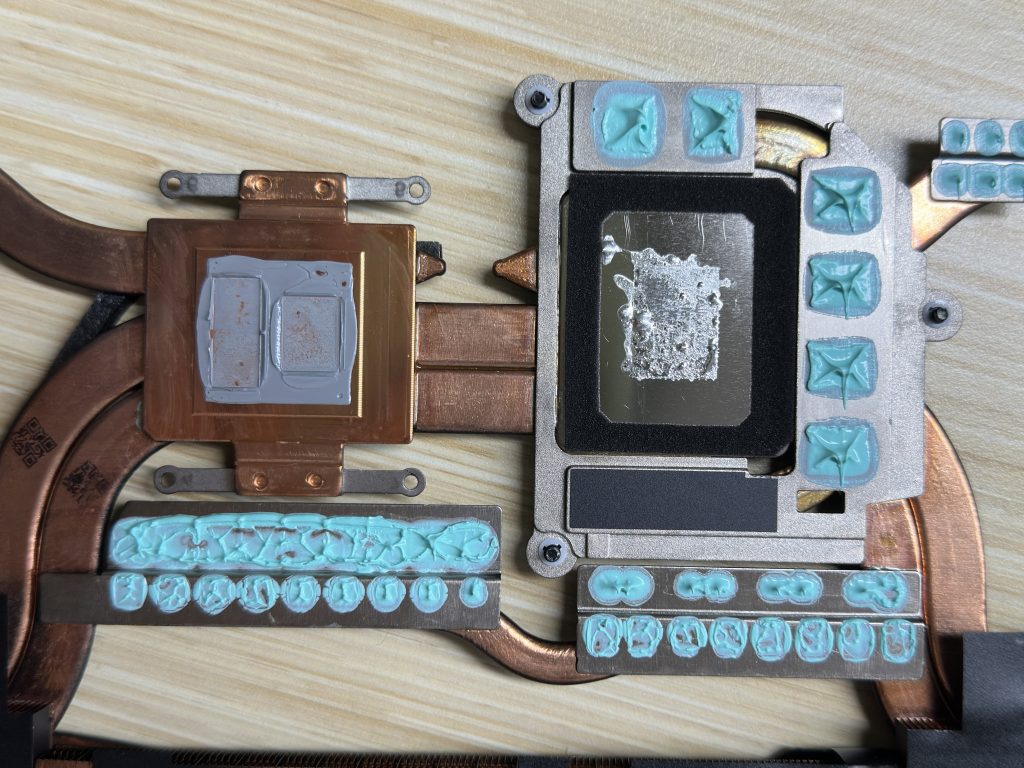
The liquid gold was removed using alcohol and cotton swabs. This process required patience and took about 20 minutes.

Finally, it was cleaned up.
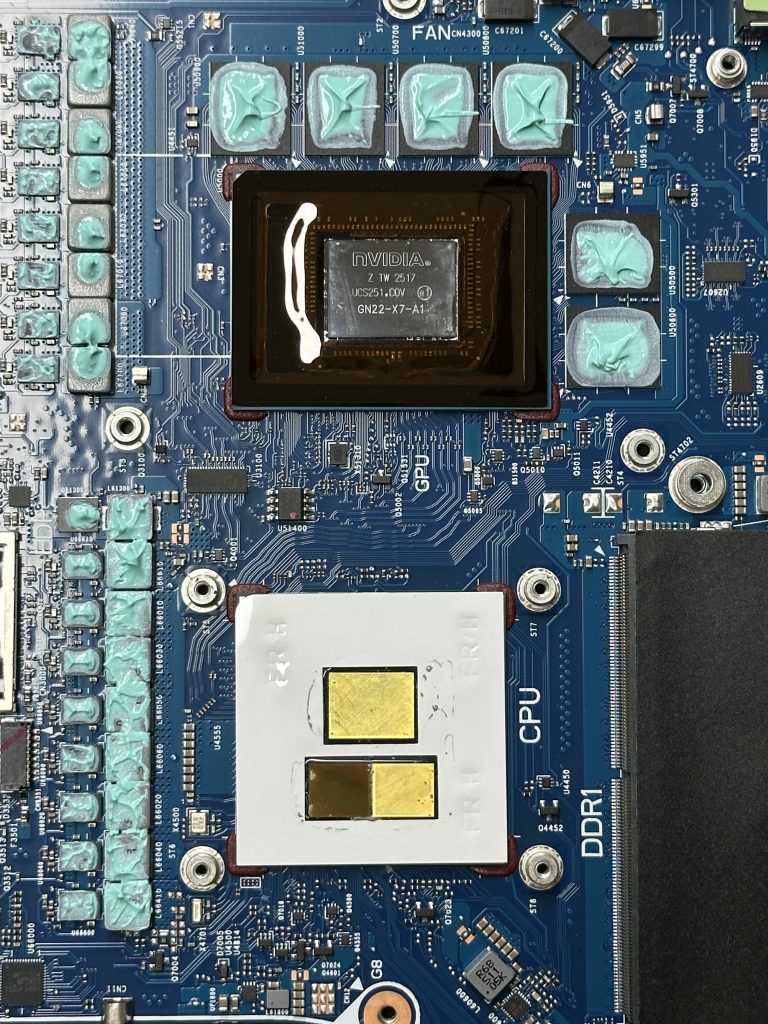
Then replace the thermal paste. Close the lid to finish.
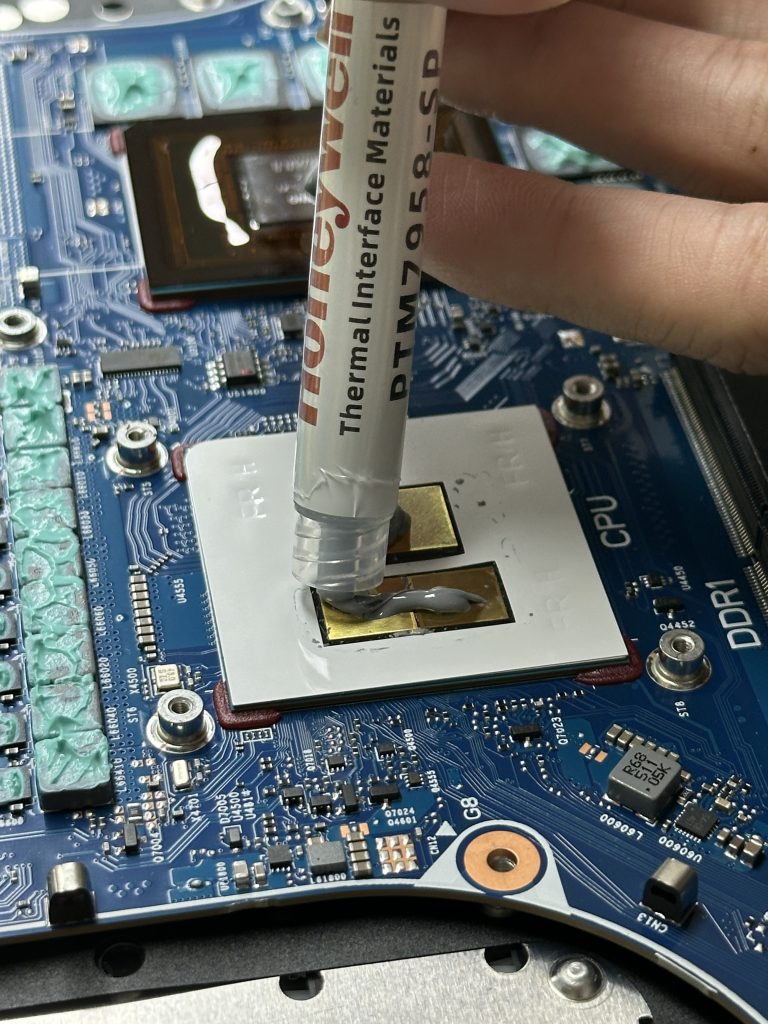
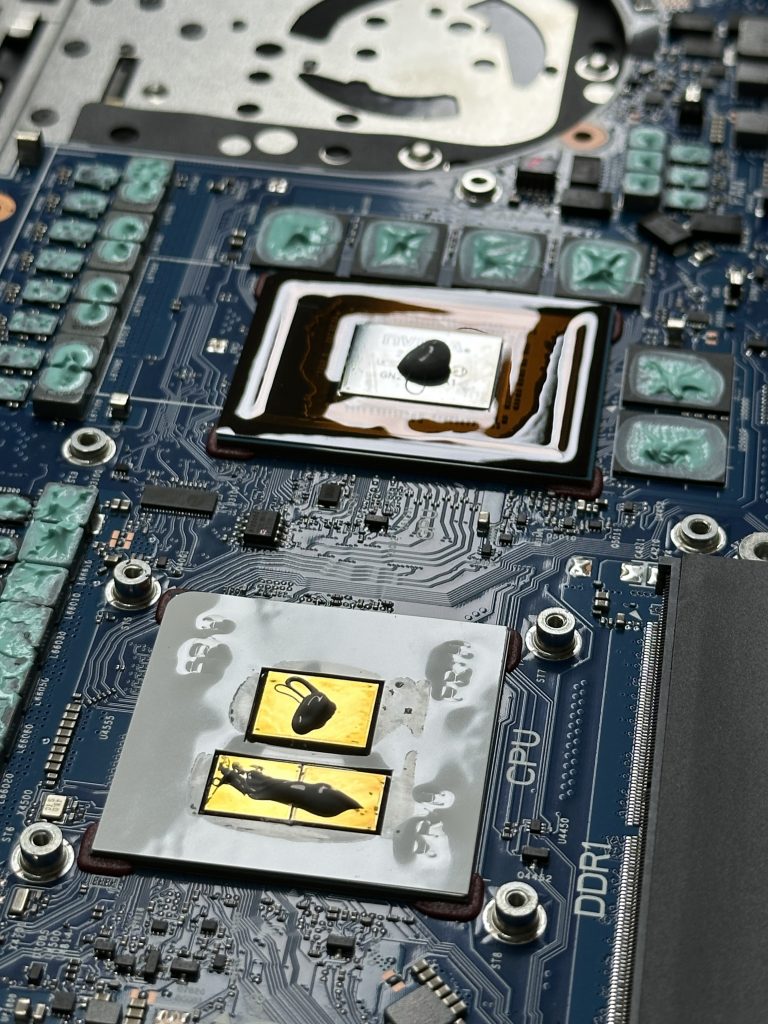
Final roasting temperature compared to before replacementBasically the sameYes, you read that right, they are basically the same.
Furthermore, an additional nearly 4° elevation can be achieved by using a height adjustment pad. So why not?
Leave a Reply