访问量: 1,059
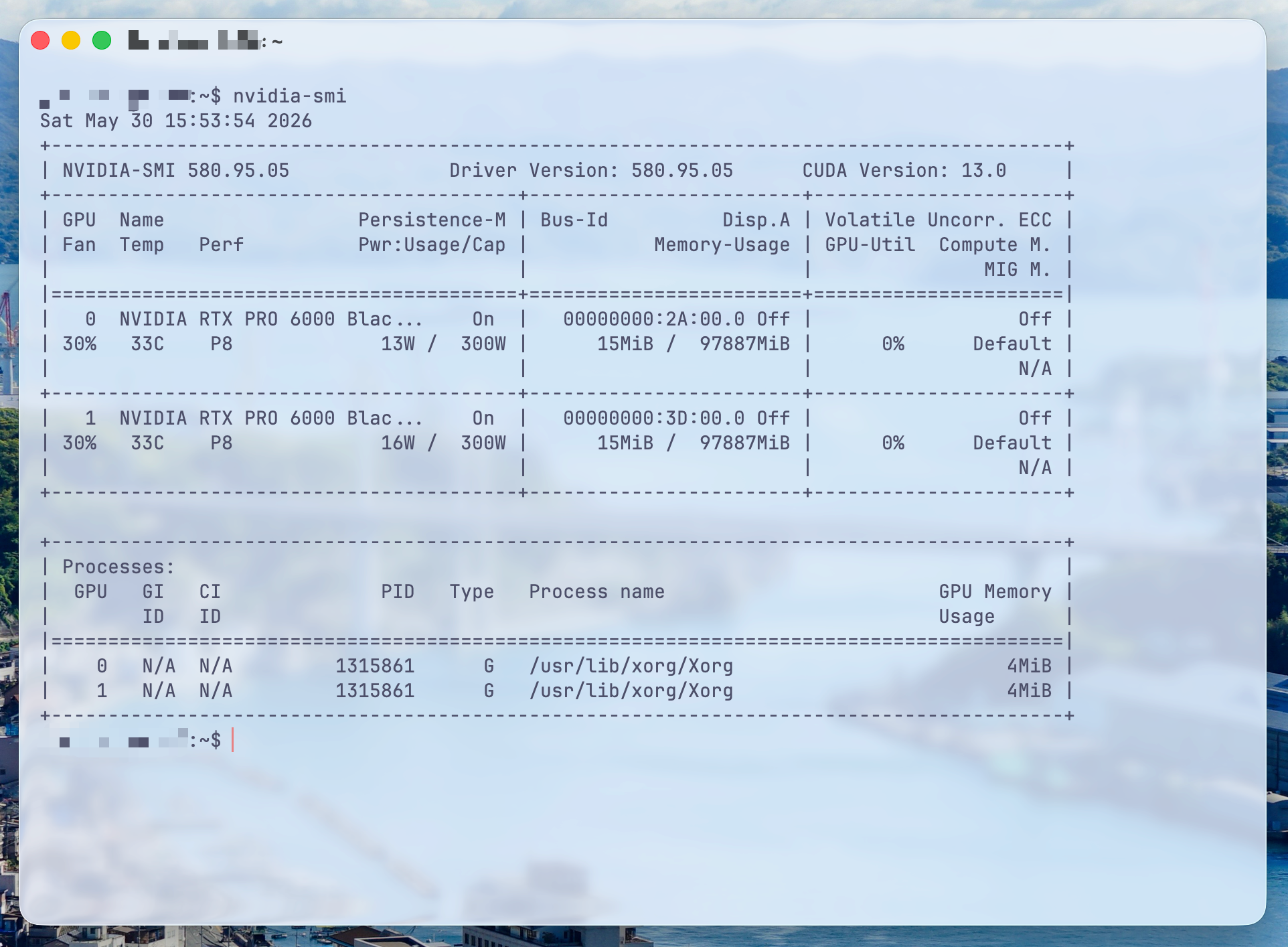
# =========================
# Ghostty aesthetic config
# =========================

# ---------- Font ----------
font-family = JetBrainsMono Nerd Font
font-family = Maple Mono NF CN
font-family = Noto Sans CJK SC
font-family = Symbols Nerd Font Mono
font-size = 14
font-thicken = true
font-thicken-strength = 64

# ---------- Theme ----------
theme = dark:Catppuccin Frappe,light:Catppuccin Latte

# ---------- Window ----------
window-padding-x = 12
window-padding-y = 10
window-padding-balance = true
window-padding-color = background
window-save-state = always

# ---------- Transparency / Blur ----------
background-opacity = 0.58
background-blur = macos-glass-regular
background-opacity-cells = false

# ---------- Cursor ----------
cursor-style = bar
cursor-style-blink = false
cursor-color = #e78284
cursor-text = #303446
cursor-click-to-move = true
mouse-hide-while-typing = true
adjust-cursor-thickness = 2

# ---------- Selection ----------
selection-background = #626880
selection-foreground = #c6d0f5

# ---------- macOS titlebar ----------
macos-titlebar-style = transparent
macos-titlebar-proxy-icon = hidden
macos-window-buttons = visible
macos-option-as-alt = true

# ---------- Shell integration ----------
shell-integration = detect
shell-integration-features = cursor,title,sudo,ssh-env,ssh-terminfo

# ---------- Notifications ----------
notify-on-command-finish = unfocused

# ---------- Quick terminal ----------
keybind = global:ctrl+grave_accent=toggle_quick_terminal
quick-terminal-position = top
quick-terminal-size = 42%
quick-terminal-autohide = true

# ---------- Keybinds ----------
keybind = cmd+shift+r=reload_config
keybind = cmd+d=new_split:right
keybind = cmd+shift+d=new_split:down
keybind = cmd+t=new_tab
keybind = cmd+w=close_surface
keybind = cmd+shift+up=jump_to_prompt:-1
keybind = cmd+shift+down=jump_to_prompt:1
keybind = cmd+shift+b=toggle_background_opacity
JavaScript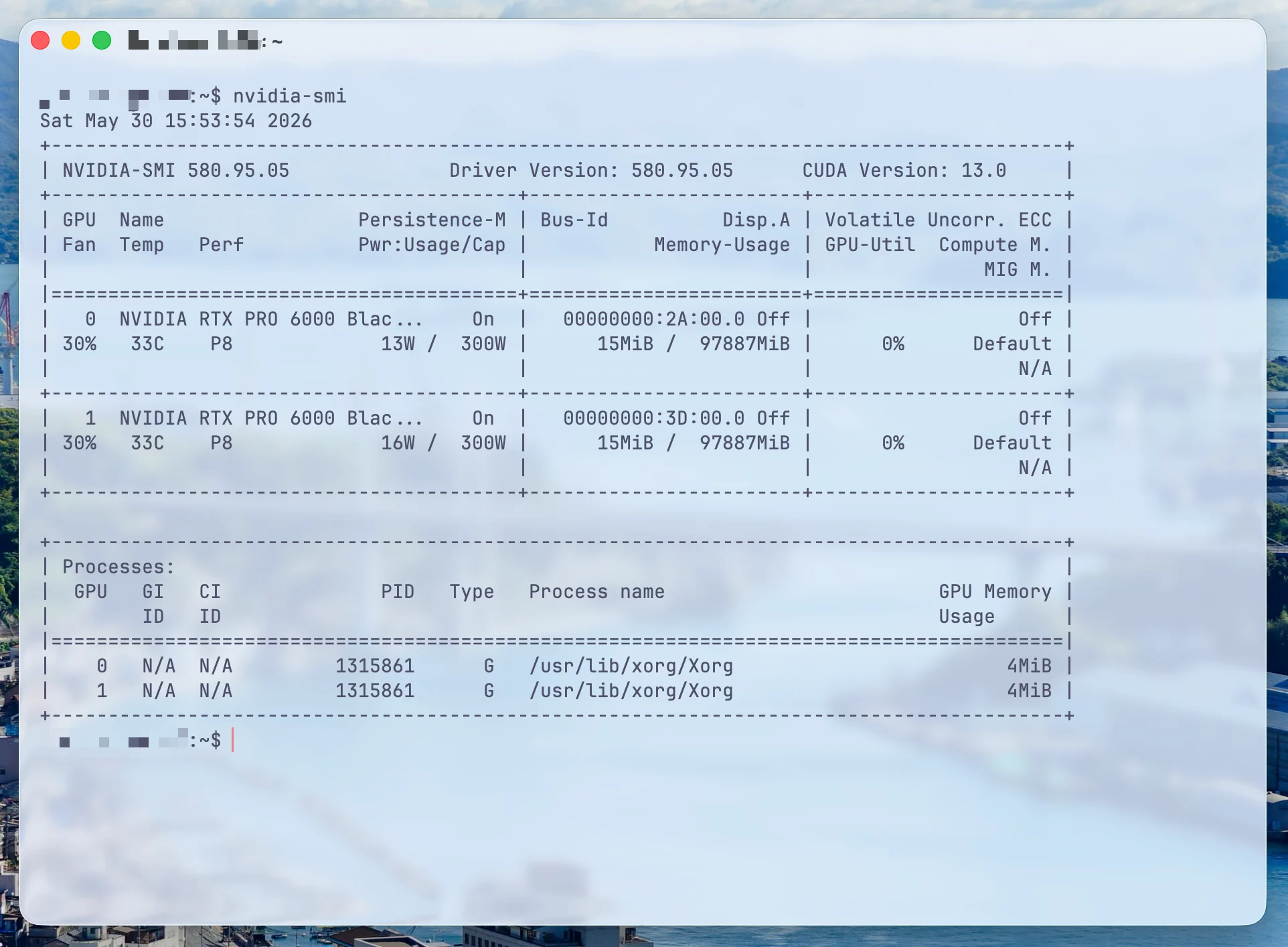
发表回复