10 月 21 日,PHP的CVE-2026-109618 和 CVE-2026-109619,可能导致未经认证的远程代码执行。本服务器运行 Debian 13,使用 Nginx、PHP-FPM 和 MariaDB。将 PHP 和相关扩展升级到 8.4.27,重启 PHP-FPM。
分类: 隨筆
-
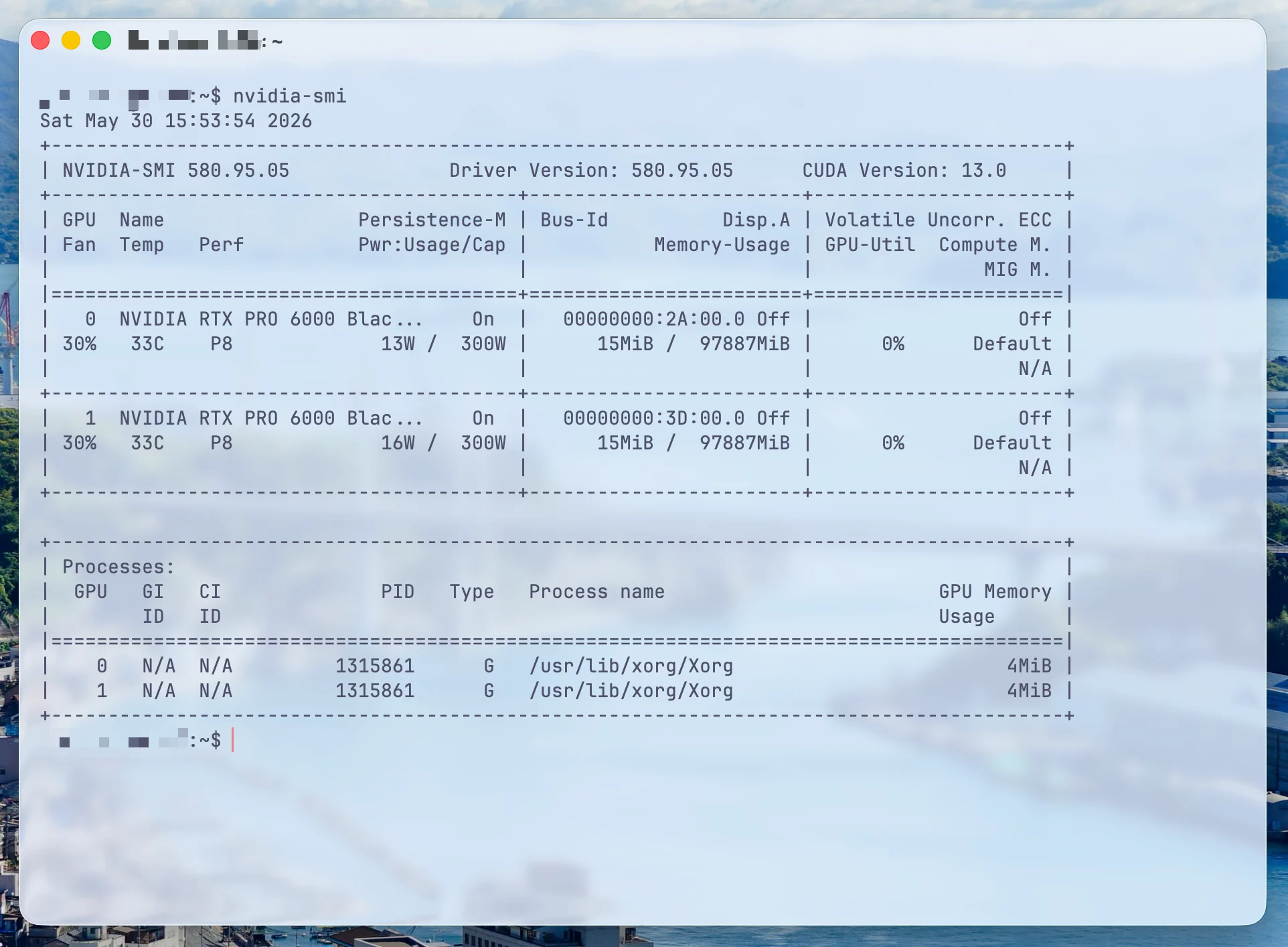
升级服务器系统
把系统升级为了 Debian 13 x86_64 。
仅开放 SSH 。基础组件 Nginx 1.26.3、PHP 8.4.23、MariaDB 11.8.6、Docker 26.1.5、Compose 2.26.1,Swap 4 GB。
应用 SSH、nftables、Fail2ban、PHP-FPM、MariaDB 和 Docker 的资源/日志限制。
SSH 禁用密码登录、root 只允许密钥;nftables 默认拒绝并允许
22/80/443/1935。https Certbot 定时续签已启用。
-
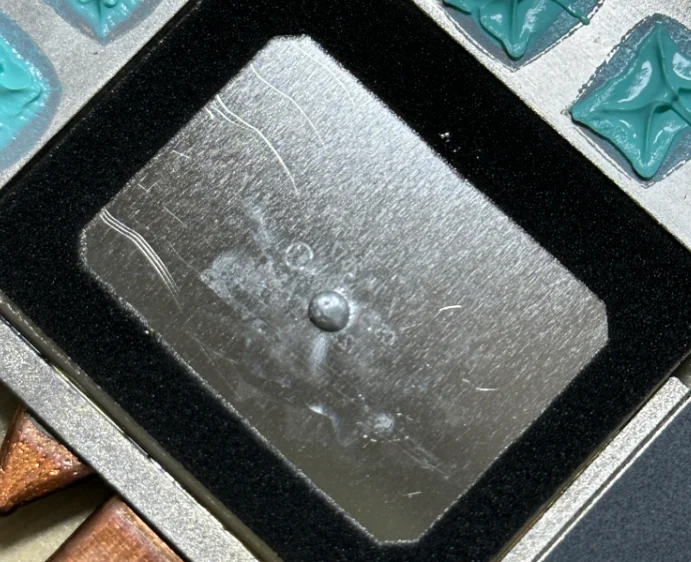
服务器增加虚拟内存
JavaScriptfree -h df -h / fallocate -l 4G /swapfile chmod 600 /swapfile mkswap /swapfile swapon /swapfile echo '/swapfile none swap sw 0 0' >> /etc/fstab sysctl vm.swappiness=20 echo 'vm.swappiness=20' >> /etc/sysctl.conf free -h swapon --show -
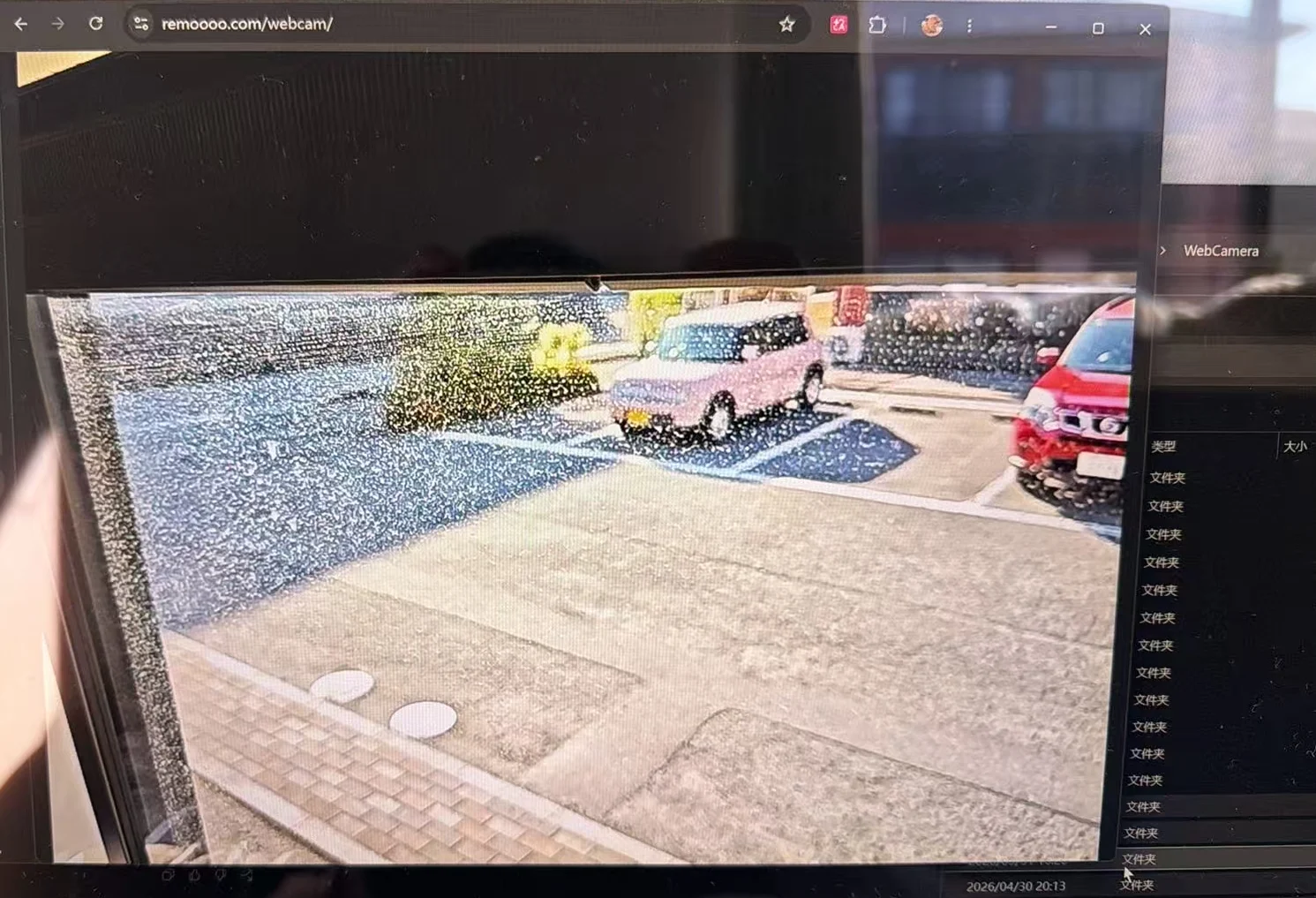
安卓手机公网监控摄像头推流
安全问题:目前仅仅通过随机 Stream Key 防止未授权推流。
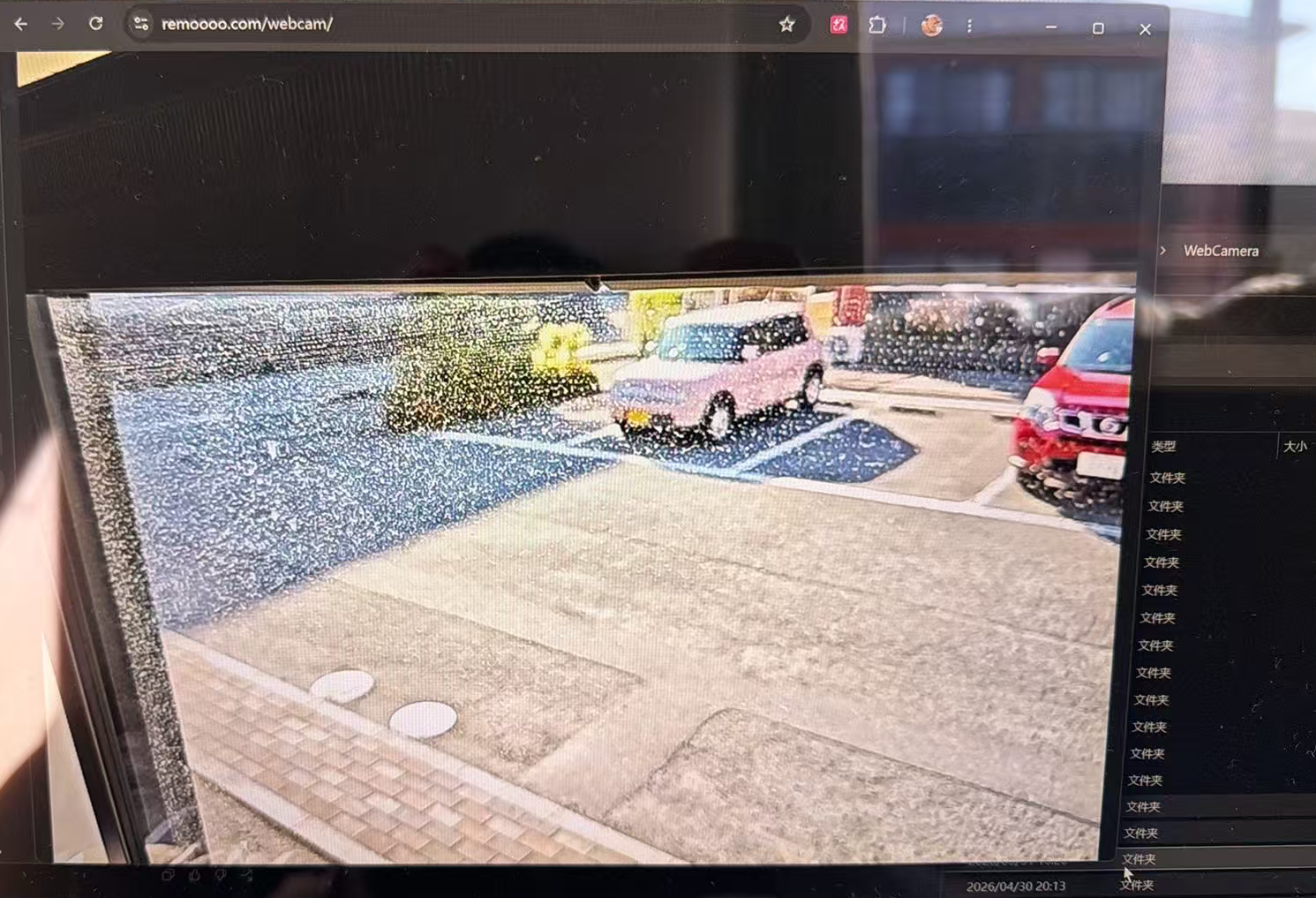
用安卓手机作为摄像头,通过 RTMP 推流到 remoooo.com,并通过 https://remoooo.com/webcam 加密码观看。
Android Phone 通过 RTMP 推流到 Public Server。
Server 端接入 MediaMTX ,转换为 HLS 监听本机地址。
localhost reverse proxy 到 nginx ,用 HTTPS + Basic Auth 最终在 Browser Viewer 查看。观看入口 rtmp://example.com:1935/
简单的说,服务器端使用 MediaMTX 作为媒体网关。MediaMTX 负责接收手机端 RTMP 推流,并将其转换为浏览器可播放的 HLS 流。
RTMP App:
BashProtocol: RTMP Server URL: rtmp://example.com:1935 Stream Key: <stream-key> Video Codec: H.264 Audio Codec: AAC Resolution: 1280x720 FPS: 30 Video Bitrate: 2000-3000 kbps Audio Bitrate: 96-128 kbps Keyframe Interval: 2s -
Ghostty 美化配置 config
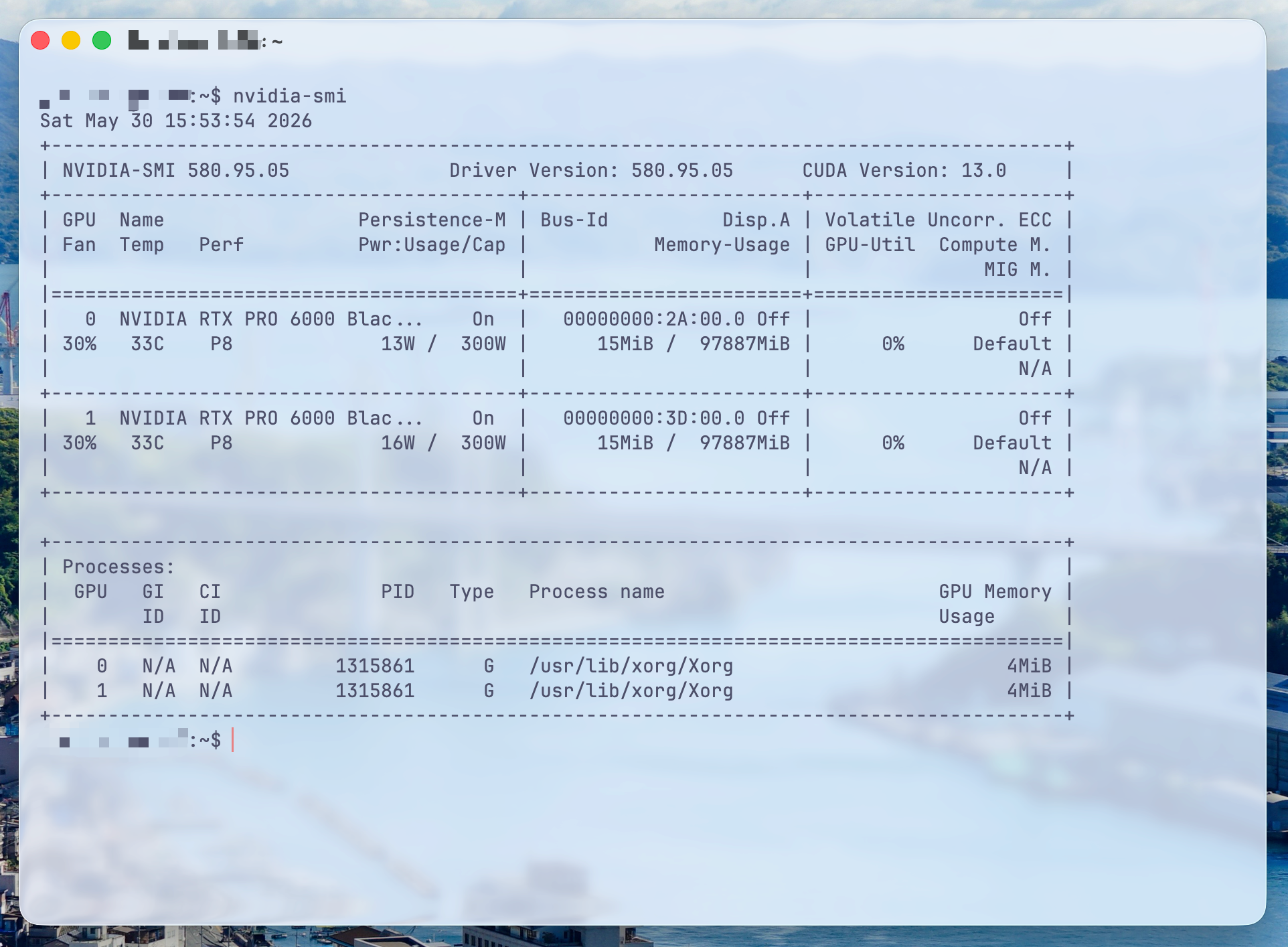
JavaScript# ========================= # Ghostty aesthetic config # ========================= # ---------- Font ---------- font-family = JetBrainsMono Nerd Font font-family = Maple Mono NF CN font-family = Noto Sans CJK SC font-family = Symbols Nerd Font Mono font-size = 14 font-thicken = true font-thicken-strength = 64 # ---------- Theme ---------- theme = dark:Catppuccin Frappe,light:Catppuccin Latte # ---------- Window ---------- window-padding-x = 12 window-padding-y = 10 window-padding-balance = true window-padding-color = background window-save-state = always # ---------- Transparency / Blur ---------- background-opacity = 0.58 background-blur = macos-glass-regular background-opacity-cells = false # ---------- Cursor ---------- cursor-style = bar cursor-style-blink = false cursor-color = #e78284 cursor-text = #303446 cursor-click-to-move = true mouse-hide-while-typing = true adjust-cursor-thickness = 2 # ---------- Selection ---------- selection-background = #626880 selection-foreground = #c6d0f5 # ---------- macOS titlebar ---------- macos-titlebar-style = transparent macos-titlebar-proxy-icon = hidden macos-window-buttons = visible macos-option-as-alt = true # ---------- Shell integration ---------- shell-integration = detect shell-integration-features = cursor,title,sudo,ssh-env,ssh-terminfo # ---------- Notifications ---------- notify-on-command-finish = unfocused # ---------- Quick terminal ---------- keybind = global:ctrl+grave_accent=toggle_quick_terminal quick-terminal-position = top quick-terminal-size = 42% quick-terminal-autohide = true # ---------- Keybinds ---------- keybind = cmd+shift+r=reload_config keybind = cmd+d=new_split:right keybind = cmd+shift+d=new_split:down keybind = cmd+t=new_tab keybind = cmd+w=close_surface keybind = cmd+shift+up=jump_to_prompt:-1 keybind = cmd+shift+down=jump_to_prompt:1 keybind = cmd+shift+b=toggle_background_opacity -
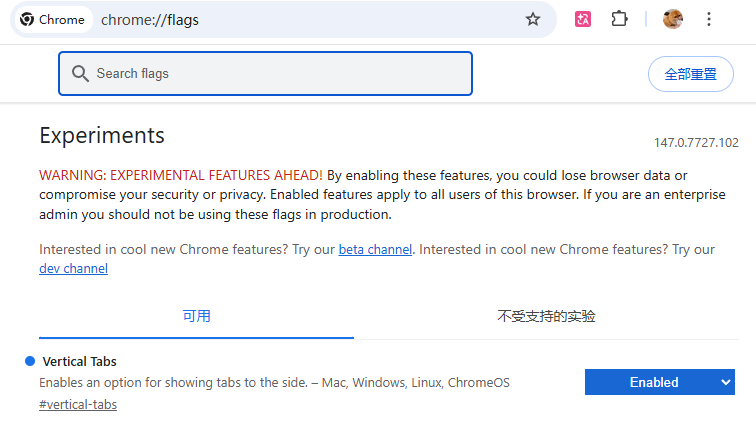
Chrome 侧栏功能
go to chrome://flags (in url bar)
search for vertical tabs and set it to enabled
right click on the horizontal tab bar (empty space)
Click “show tabs on the side”